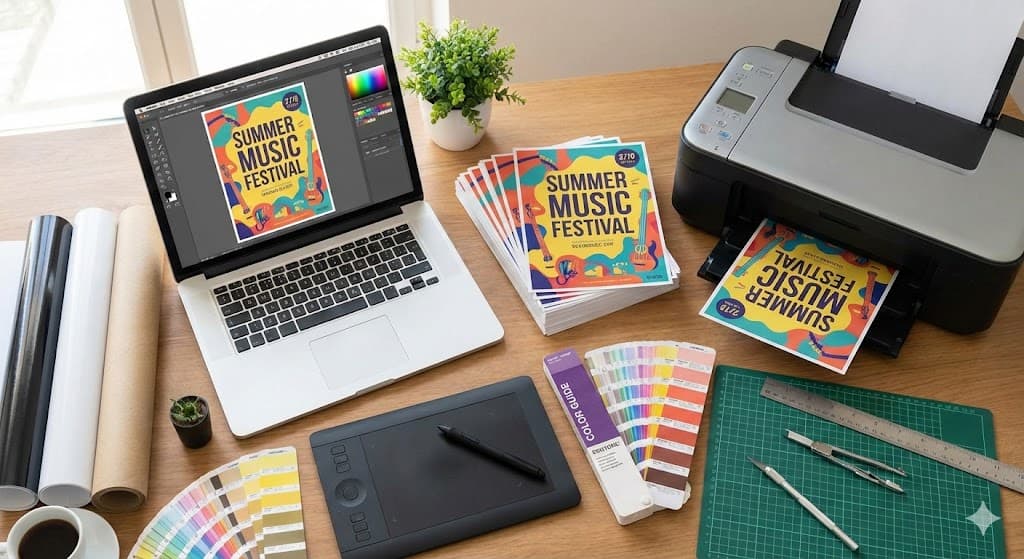
The Ultimate Guide to Designing and Printing Effective Flyers
Flyers remain a powerful and cost-effective marketing tool for businesses, events, and causes. A well-designed and professionally printed flyer can grab attention, convey your message quickly, and drive action. To ensure your flyers get noticed and deliver results, follow these essential tips for design and printing.
Flyers remain a powerful and cost-effective marketing tool for businesses, events, and causes. A well-designed and professionally printed flyer can grab attention, convey your message quickly, and drive action. To ensure your flyers get noticed and deliver results, follow these essential tips for design and printing.
- Design for Impact
Grab Attention with a Strong Headline: Your headline is the first thing people see. Make it bold, clear, and benefit-driven. Use action verbs and incite curiosity.
Keep it Simple and Concise: People skim flyers. Use bullet points, short paragraphs, and clear subheadings to break up text. Focus on one key message or offer.
Use High-Quality Visuals: A single, striking image or graphic is often more effective than clutter. Ensure all images are high-resolution (at least 300 dpi) to avoid a pixelated/blurry look in print.
Include a Clear Call-to-Action (CTA): Tell your audience exactly what you want them to do next. Whether it's "Visit our website," "Call for a free quote," or "Attend our event," make your CTA prominent and easy to understand.
Maintain Brand Consistency: Use your brand's color palette, fonts, and logo to build recognition and trust.
- Technical Specifications for Printing
Choose the Right Size: Standard sizes like A5 (148mm x 210mm) or DL (99mm x 210mm) are popular and cost-effective. Consider A6 for smaller handouts or A4 for more detailed information.
Set the Correct Color Mode: For professional printing, always design in CMYK (Cyan, Magenta, Yellow, Key/Black) color mode. Screens use RGB, and converting to CMYK ensures the printed colors match your design.
Include Bleed and Margins: Add a "bleed" area (usually 3mm) around your design that extends beyond the final trim size. This prevents ugly white borders if the cutting isn't precise. Keep important text and logos within a "safe zone" margin inside the trim line.
Select the Appropriate Paper Stock: The paper you choose affects the look and feel of your flyer.
Gloss: Shiny and vibrant, great for photos and colorful designs.
Matte/Silk: Smooth and non-reflective, gives a more sophisticated and professional feel.
Uncoated: Has a natural, textured feel and is good for flyers that need to be written on.
Use High-Resolution Files: Save your final design as a high-quality PDF with fonts embedded for the best print results.
- Proofread, Proofread, Proofread!
Before sending your design to the printer, verify everything. Check for spelling and grammar errors, ensure all contact information is correct, and confirm dates and times. A single typo can undermine your professionalism. It's always a good idea to have a second pair of eyes review your work.
By following these tips, you can create professional, eye-catching flyers that effectively communicate your message and help you achieve your marketing goals.